App-wide search
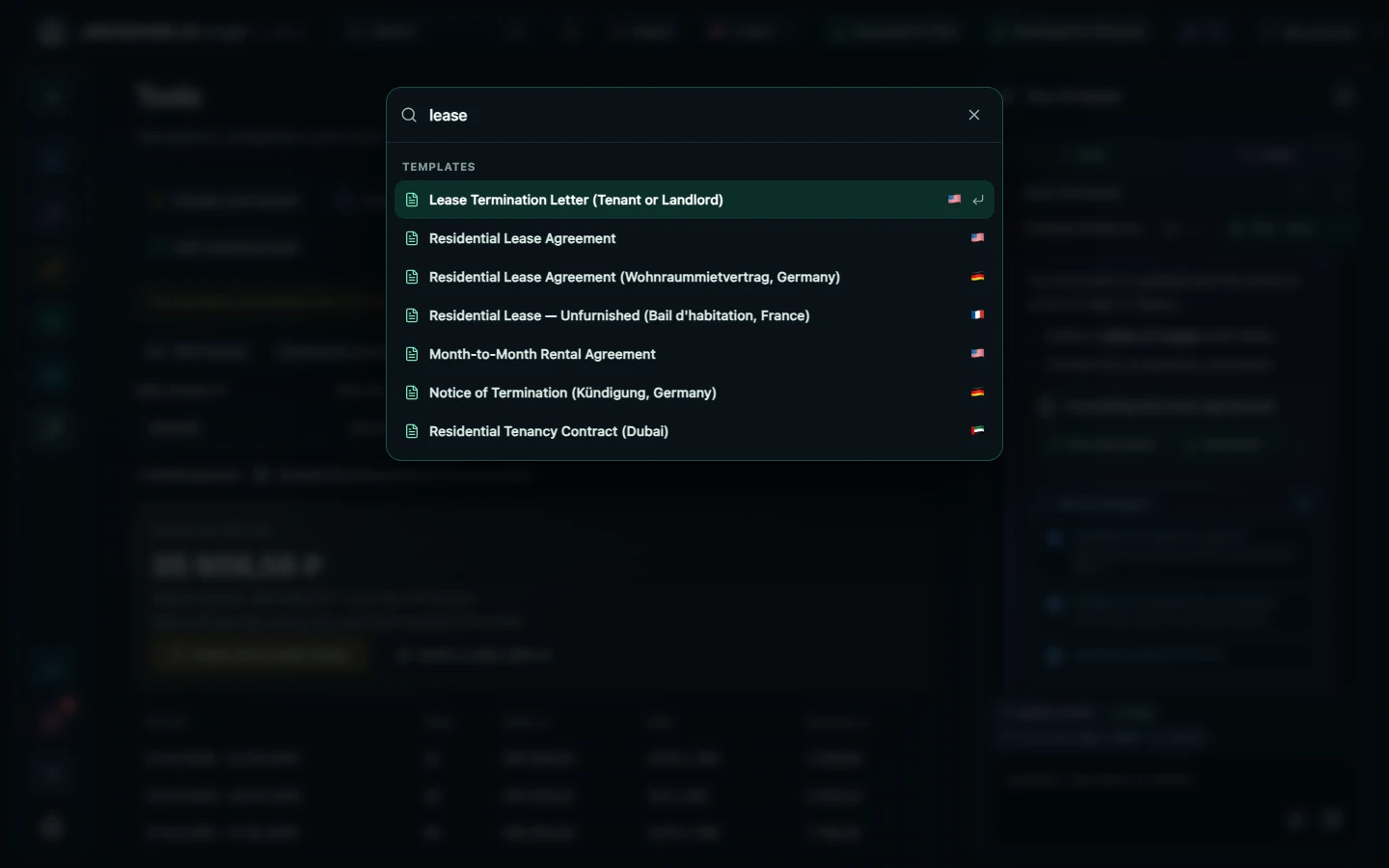
Press ⌘K (Ctrl+K on Windows) or the Search field at the top and Legal finds your documents, templates for every country, tools and settings. Arrow keys pick a result and Enter opens it.
Open in the web app ↗You can look around without an account; calculating, saving and inserting into a document need an account.
How to use it
- Press ⌘K or Ctrl+K anywhere.
- Start typing: "contract", "promissory note", "penalty".
- Pick a result with the arrow keys or the mouse.
- Press Enter to open the document, template or tool.
Who it helps
- People with many documents
- Anyone looking for a template
- Keyboard-first users
Limits
Search matches titles and keywords. Your documents appear in search only after you sign in.
Other features
Choose your task
Create a document
Review
PDF and scans