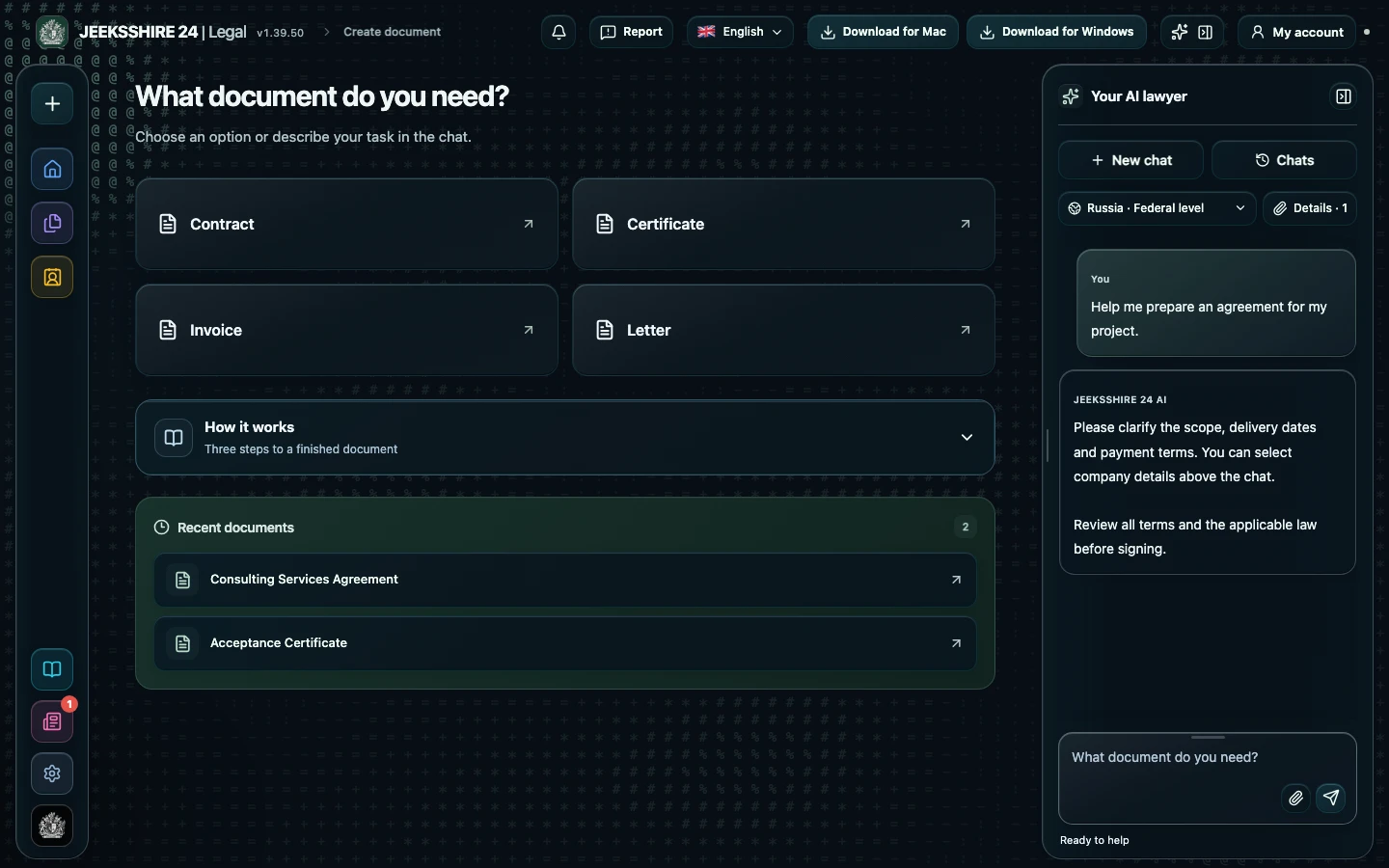
What the AI does when drafting a certificate
For a certificate the assistant always asks for the base contract, the reporting period, what exactly was done, how acceptance went and which amounts are due. In the «Basis document» field you can select the original contract from your documents: the AI takes its text into account, so the parties, subject and price usually do not need to be entered again. When researching rules for a certificate, Legal additionally looks at payment, primary records and tax topics on the official portals of the selected country.
What a certificate should contain
Title and date, a reference to the contract with its number and date, the parties and their representatives, the reporting period, a list of work or services with scope and cost, the total with tax or a note that no tax is charged, a statement on whether there are claims about quality and deadlines, and signatures. Mandatory details of a primary document depend on the country, so Legal lists the requirements it finds in the legal notes. The AI does not confirm that work was completed or that there are no claims unless you said so.
Certificate, invoice and closing documents
A certificate confirms acceptance, while an invoice is a request for payment; they are different documents, and Legal drafts them separately. For an invoice the amounts, tax and total are calculated by the program from the line items you entered. The finished certificate opens in the editor, where you can sign it and save it as PDF, DOCX, ODT, RTF, HTML, MD or TXT.
Questions about certificates of completion
Can I draft a certificate from a contract I have already uploaded?
Yes. Select the original contract in the «Basis document» field: the AI takes its text into account, so the parties, subject and price usually do not need to be entered again. You then add the period, the work done and the outcome of acceptance.
What is the difference between a certificate and an invoice?
A certificate confirms that the work was done and accepted. An invoice is a request for payment. In Legal these are different document types; in an invoice the amounts, tax and total are calculated by the program from the line items you entered.
Will the AI calculate the amount and tax in the certificate?
The AI carries over the amounts, rate and tax treatment you confirmed and does not invent them. If data is missing, [FILL IN: …] fields remain. Check the totals against the contract and the invoice.
Can I draft a certificate with remarks?
Yes. List the remarks and the deadline for fixing them and they go into the certificate. The AI will not add a «no claims» statement until you confirm it.
Will it work for a foreign client?
Choose the country and the document language in the chat. Legal searches for primary-document requirements of the selected country, but check a bilingual certificate and any currency or tax control requirements separately.
Can I sign the certificate in Legal?
Yes, the draft opens in the editor, where you can add a signature and save the file as PDF. Whether an electronic signature is valid in your case depends on the contract and the law of the country.
Do I need a paid plan?
Yes, drafting legal documents with legal research is available on Plus and Pro. Free keeps the regular chat, the editor, export and party profiles within quotas.