Describe the service and terms
State the parties, scope, timing, price and payment terms. The assistant asks about what is missing; unknown data is marked for you to fill in. Save party details once and reuse them in new documents.
 JEEKSSHIRE 24 | Legal
Whether you are the client or the provider, you need a clear services contract. Describe the work in plain words, refine the terms with AI and finish the draft in the editor.
Go to sign in ↗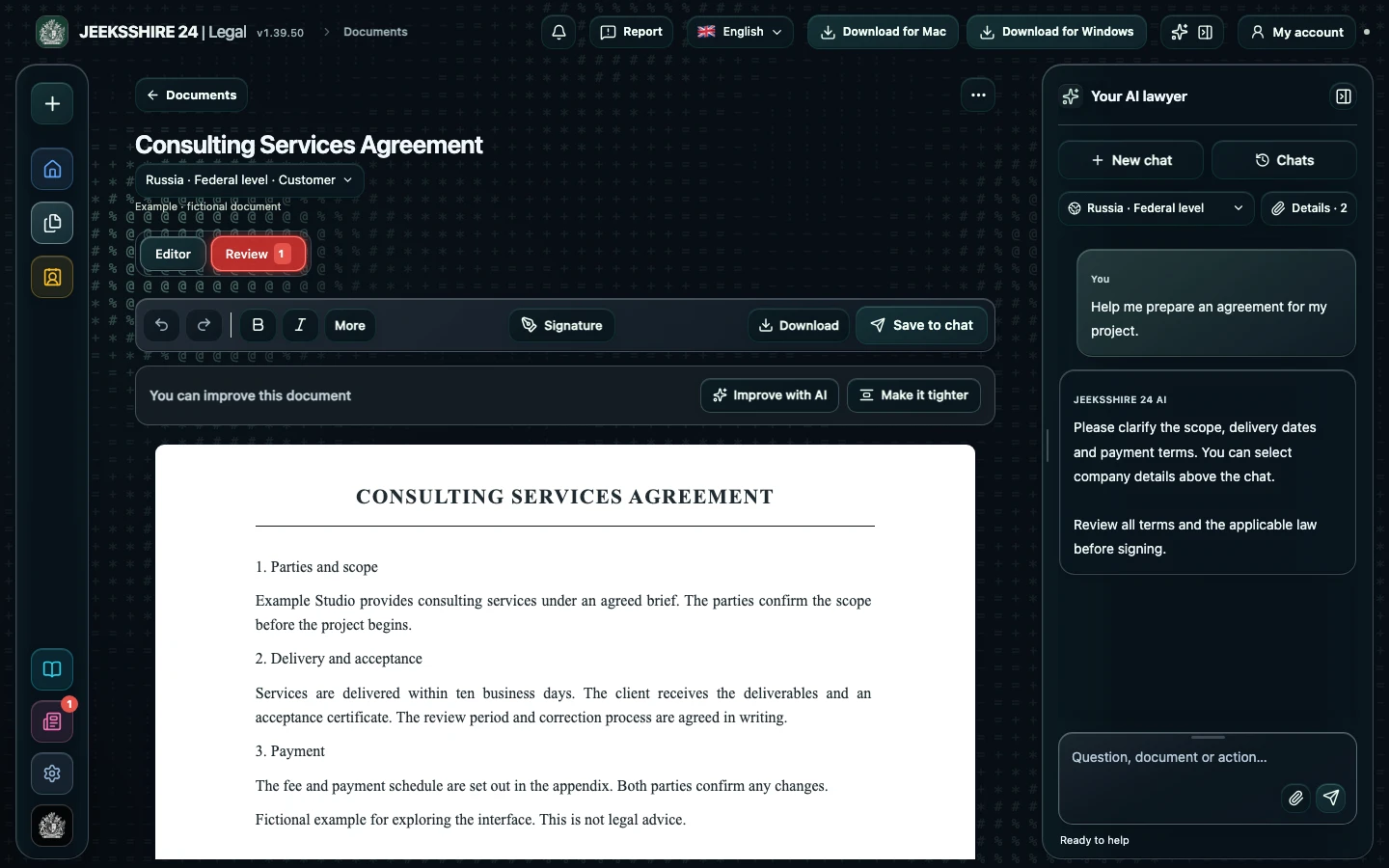
State the parties, scope, timing, price and payment terms. The assistant asks about what is missing; unknown data is marked for you to fill in. Save party details once and reuse them in new documents.
Clients and providers care about different terms: acceptance, comments, delays and termination. Choose the jurisdiction and your side before drafting and reviewing.
Ask AI to explain disputed clauses, correct the text in the editor and save as PDF, DOCX and other formats. You can prepare an acceptance act or invoice alongside it. Review the draft before signing.
The create section covers contracts, acceptance acts, invoices, NDAs, amendments and other documents.
No. Legal helps you prepare and analyse a document but does not replace individual advice.
Prepare a service agreement, NDA, acceptance document, invoice or letter with AI. Clarify the parties, scope, deadlines and payment, then review the draft in the editor.
Discuss clauses, risks and wording with AI. Compare suggestions with the contract and available sources, then edit the document before signing.
PDF, DOCX, scans and screenshots, reusable party details, signatures and export are part of Legal. Move between stages without manually transferring the entire document between separate tools.