Upload the scan and choose a language
Open a PDF or an image. The recognition language can be detected automatically or set manually: Russian, English, Chinese or Arabic. Quality depends on clarity, resolution and language.
 JEEKSSHIRE 24 | Legal
Received a contract as a scan, so the text cannot be copied or corrected? Recognize it in Legal and work with the document as regular text.
Go to sign in ↗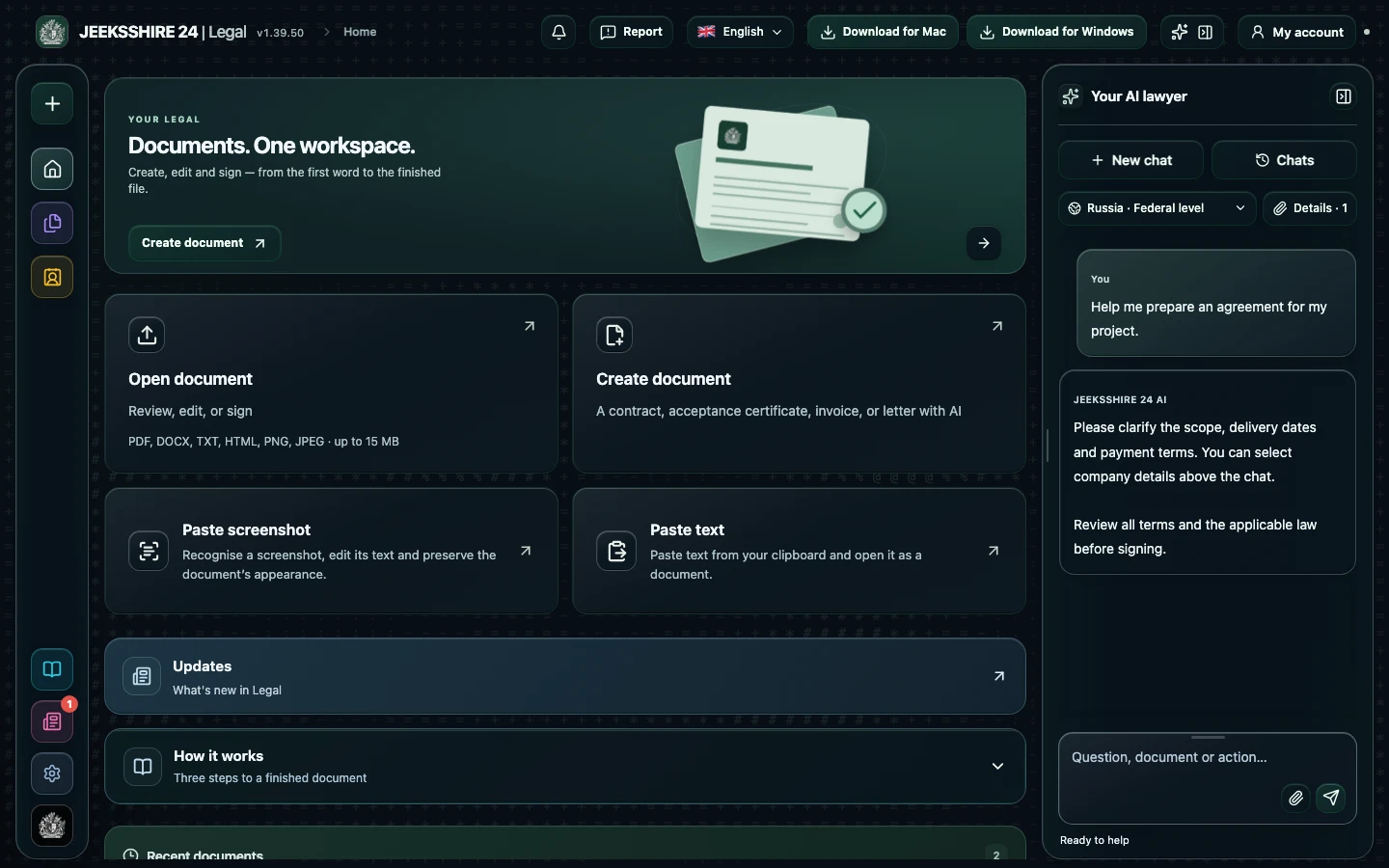
Open a PDF or an image. The recognition language can be detected automatically or set manually: Russian, English, Chinese or Arabic. Quality depends on clarity, resolution and language.
Verify names, amounts, dates and numbers: the recognizer's score does not guarantee accuracy. The original PDF is kept separately, so you can return to it and recognize again.
Edit the recognized text, ask AI to explain the terms and save the file in the format you need. The text version gets a new layout; to keep the page appearance, use the original PDF.
Up to 150 pages at a time in the browser and on Windows, up to 40 in the Mac app; split a longer PDF into parts. The PDF file itself can be up to 15 MB.
Errors are possible, especially on unclear scans. Always check important data against the original.
Prepare a service agreement, NDA, acceptance document, invoice or letter with AI. Clarify the parties, scope, deadlines and payment, then review the draft in the editor.
Discuss clauses, risks and wording with AI. Compare suggestions with the contract and available sources, then edit the document before signing.
PDF, DOCX, scans and screenshots, reusable party details, signatures and export are part of Legal. Move between stages without manually transferring the entire document between separate tools.