Open the right format
Import PDF, DOCX, TXT, HTML, PNG or JPEG files up to 15 MB. Keep the original so you can return to it. Text documents and original PDF pages offer different tools; choose a mode based on the task.
 JEEKSSHIRE 24 | Legal
You can edit documents online in JEEKSSHIRE 24 Legal: open a PDF, photo or screenshot and choose the right mode: original pages or text and formatting.
Go to sign in ↗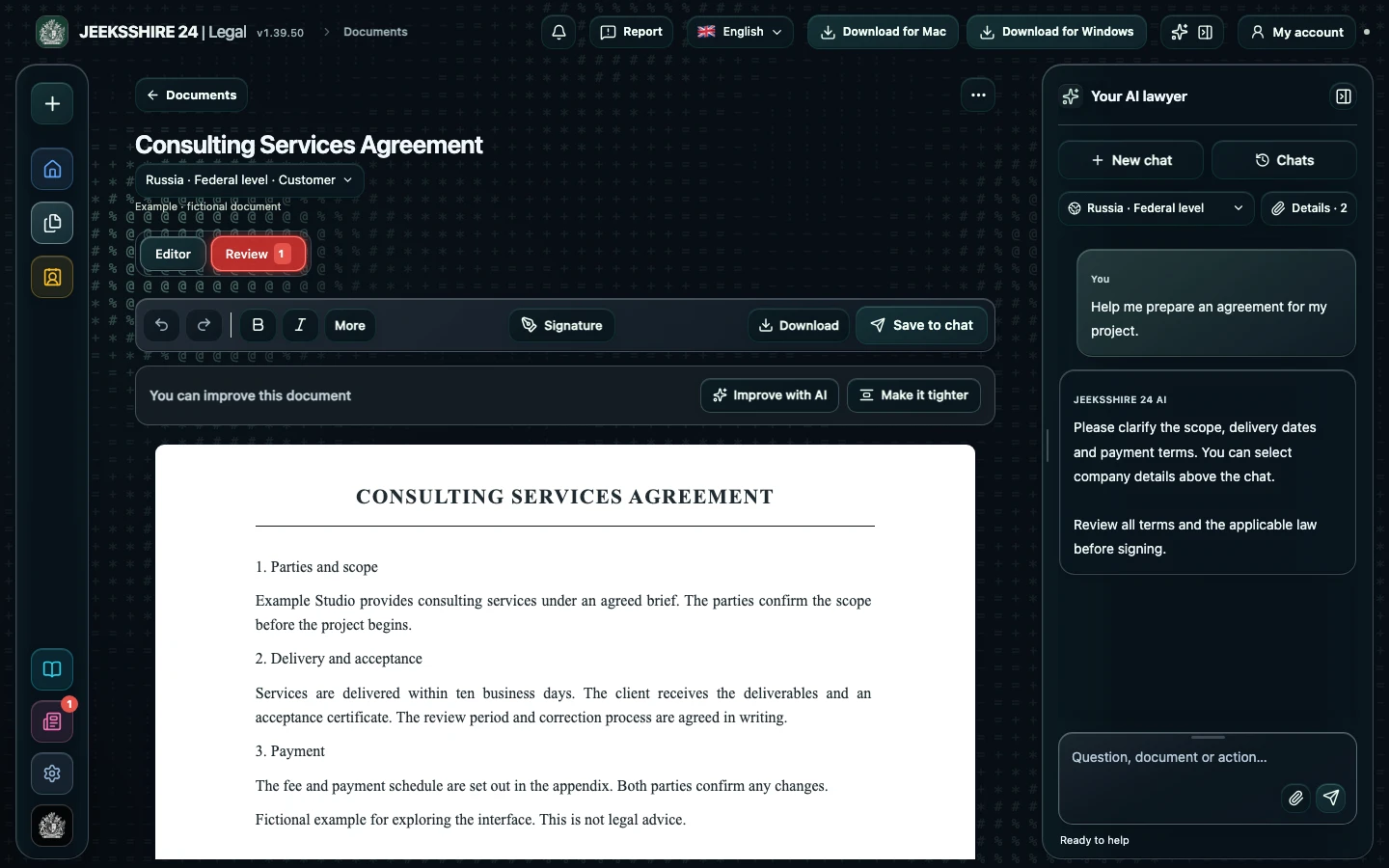
Import PDF, DOCX, TXT, HTML, PNG or JPEG files up to 15 MB. Keep the original so you can return to it. Text documents and original PDF pages offer different tools; choose a mode based on the task.
OCR extracts text from scans; quality depends on image resolution, language and clarity. In the screenshot editor, select text areas and adjust the text, font, size and block position. Check names, amounts and identifiers against the original.
Add a drawn signature or text annotation, then use an export available in the current mode. The original page or image stays as a visual base; this does not promise perfect editable vector reconstruction of every scan.
Yes. Select a text area in the image editor, change its content, style and position, then inspect the result. The original image remains the visual base.
No. It is a graphic placed on the document. Its legal effect depends on the circumstances and the parties’ agreements.
Prepare a service agreement, NDA, acceptance document, invoice or letter with AI. Clarify the parties, scope, deadlines and payment, then review the draft in the editor.
Discuss clauses, risks and wording with AI. Compare suggestions with the contract and available sources, then edit the document before signing.
PDF, DOCX, scans and screenshots, reusable party details, signatures and export are part of Legal. Move between stages without manually transferring the entire document between separate tools.