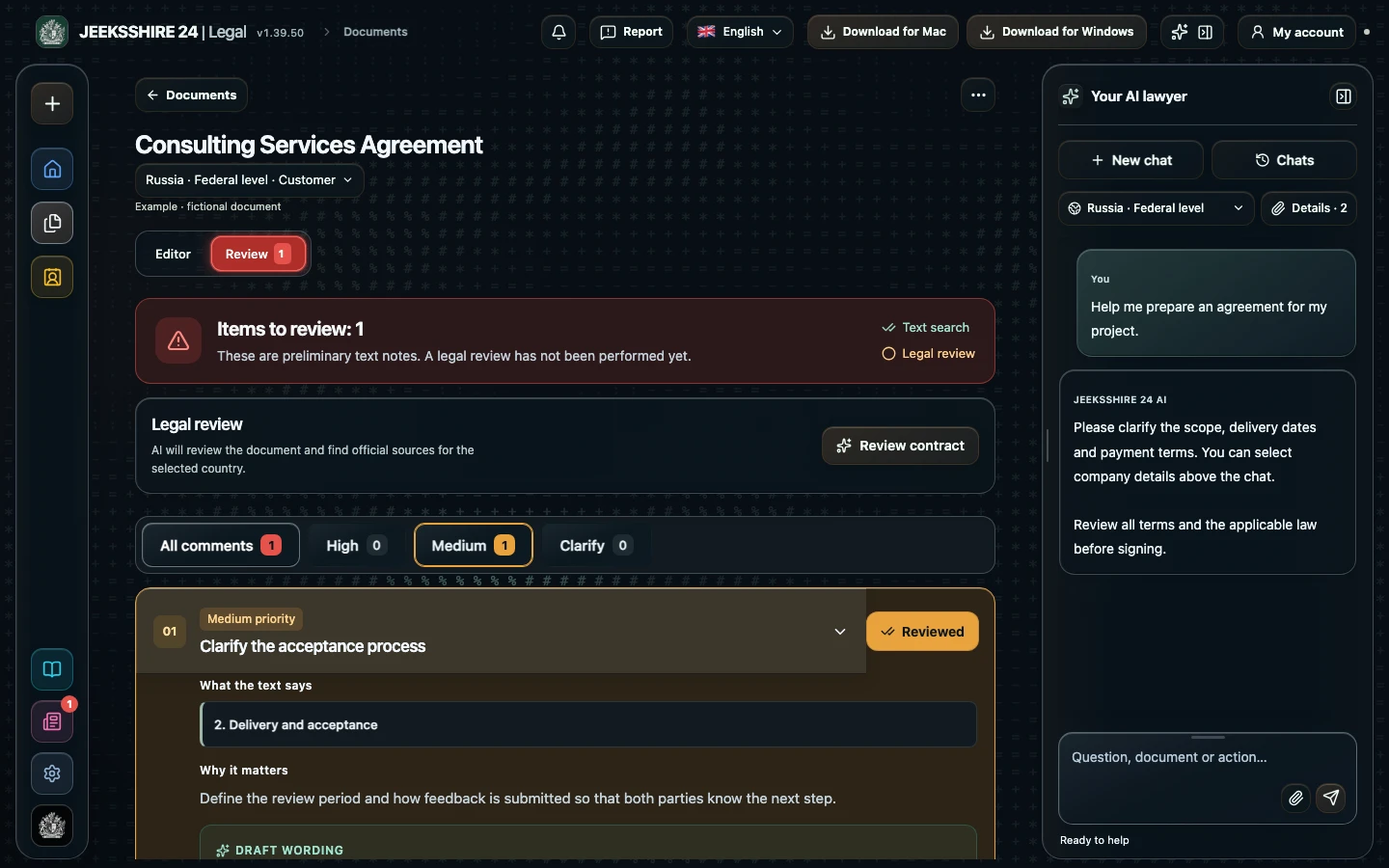
You can review a contract online in JEEKSSHIRE 24 Legal: open the file and see what its terms mean for your side. Legal helps you discuss risks, clarify clauses and turn findings into edits.
Open a supported PDF, DOCX, TXT or HTML file. Choose a country, region and party role: a client and a service provider may assess the same clause differently. Recognize scanned text first where needed and compare OCR results with the original.
Examine specific terms
Start with scope, payment, deadlines, acceptance, liability and termination. The assistant helps explain clauses, discuss potential risks and propose wording. Suggestions support your review; they do not guarantee that every risk has been found.
Move from findings to changes
Compare suggestions with the original and available sources. Edit the wording, check that the new terms reflect the parties’ intentions and save the document. An unverified AI answer is not a legal opinion.
Questions about Legal and contract review
Whose perspective does the review use?
Select your party role and jurisdiction before discussing the contract. Assess the suggestions against your circumstances and the document itself.
Does Legal cover every country’s law?
No. Seven countries and selected regional options are available. Sources and coverage vary; changing the interface language does not add a jurisdiction.
From the first question to a finished document
01
Describe the task in your own words
Prepare a service agreement, NDA, acceptance document, invoice or letter with AI. Clarify the parties, scope, deadlines and payment, then review the draft in the editor.
02
Understand terms and make changes
Discuss clauses, risks and wording with AI. Compare suggestions with the contract and available sources, then edit the document before signing.
03
Keep the file in the same workspace
PDF, DOCX, scans and screenshots, reusable party details, signatures and export are part of Legal. Move between stages without manually transferring the entire document between separate tools.