Paste or drop a screenshot
Open an image or paste a capture from the clipboard. Text recognition runs on your device, and the recognized text is not sent to AI at this step.
 JEEKSSHIRE 24 | Legal
Only have a picture of a document and need to fix a word or an amount? Paste the screenshot into Legal and work with the text on the image or as a document.
Go to sign in ↗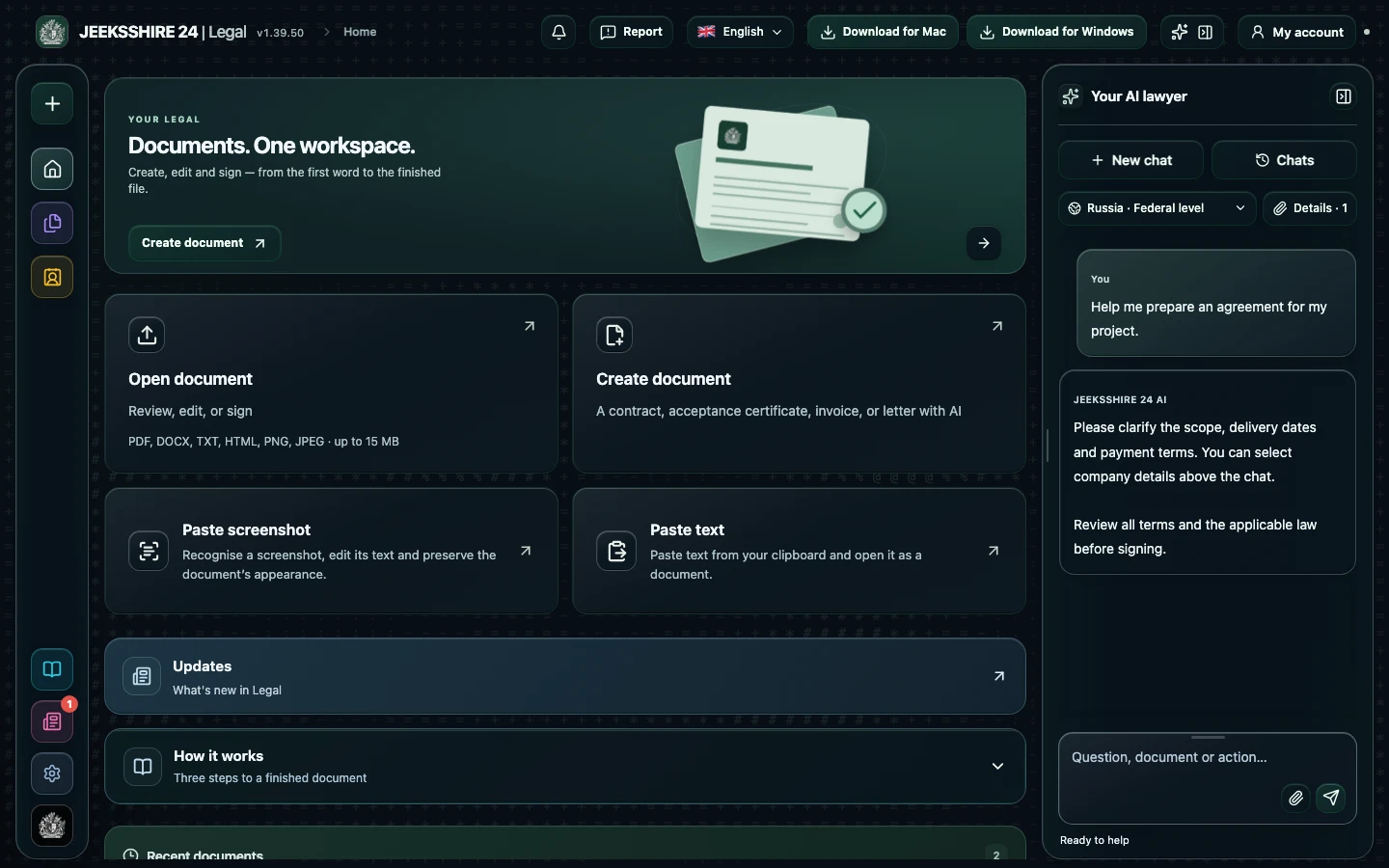
Open an image or paste a capture from the clipboard. Text recognition runs on your device, and the recognized text is not sent to AI at this step.
Select text areas and change the text while keeping the document's appearance. Or switch to the text version and edit it like a regular document; the source image is kept separately.
Compare names, amounts, dates and numbers with the original screenshot, then save the result. Only change documents you are entitled to edit, and never present an altered copy as the original.
Recognition runs on the device and its text is not sent to AI. If you share the document with the assistant yourself, it is processed to answer you.
PNG and JPEG images work. The clearer the capture, the more accurate the result.
Prepare a service agreement, NDA, acceptance document, invoice or letter with AI. Clarify the parties, scope, deadlines and payment, then review the draft in the editor.
Discuss clauses, risks and wording with AI. Compare suggestions with the contract and available sources, then edit the document before signing.
PDF, DOCX, scans and screenshots, reusable party details, signatures and export are part of Legal. Move between stages without manually transferring the entire document between separate tools.