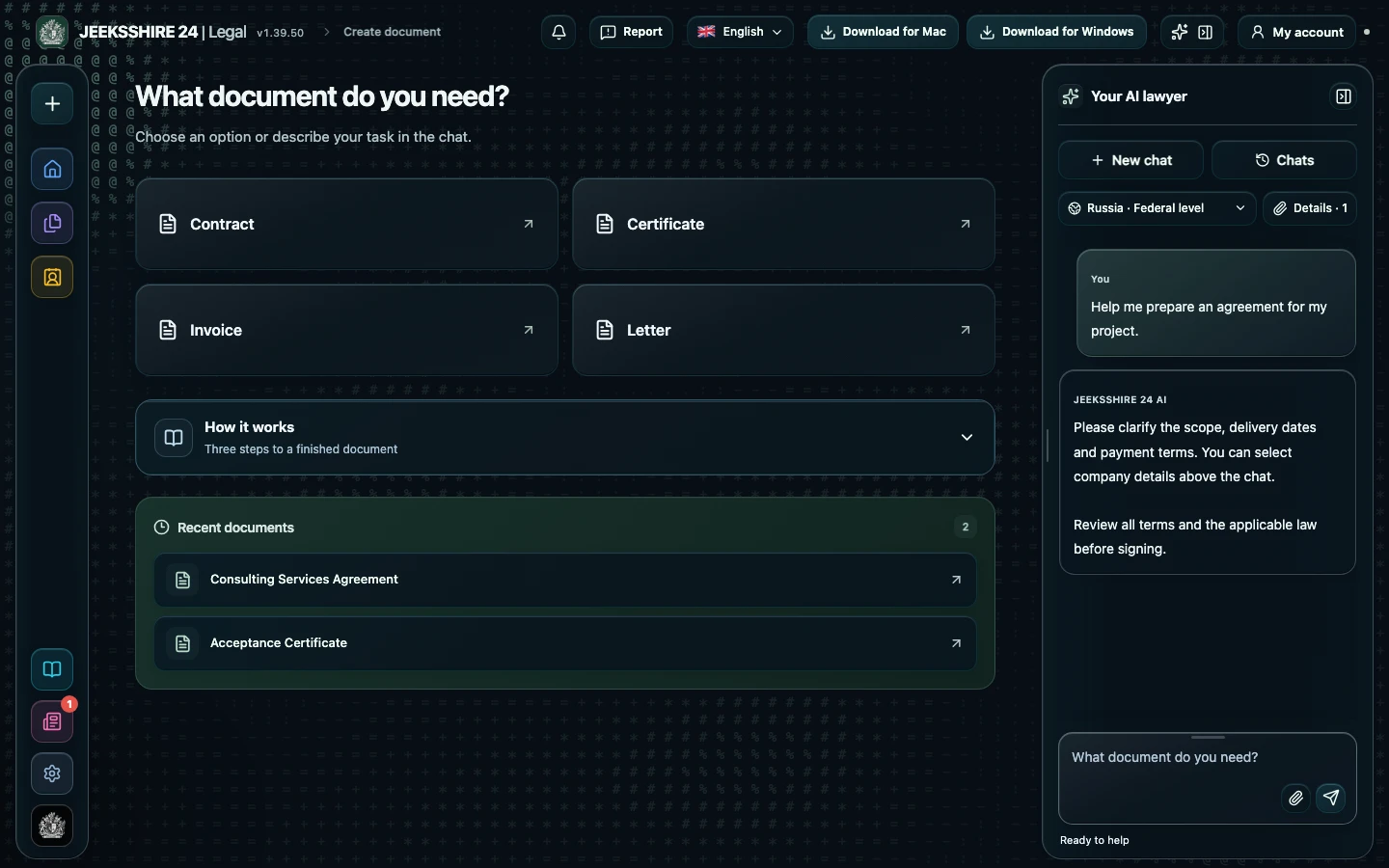
What the AI does when drafting a letter of claim
The assistant identifies the document type from your description and first collects the essentials: who you are and who the recipient is, what the relationship is based on (a contract, an order, a receipt), what exactly was breached, which amounts and dates are involved, what you demand and which language the text should be in. In one turn it asks up to six related questions and does not repeat ones already answered. Legal then searches the official legal portals of the selected country for requirements for this document type, and the AI writes a coherent draft with sections, a list of demands, enclosures and a signature block.
What a letter of claim must contain
A letter of claim works when it has four things: the basis of the relationship, the specific breach with dates, a clear demand and a deadline for meeting it. If you are claiming money, add a calculation: principal, penalty or interest, the period and the base of the calculation. The procedure and time limit for responding may be set by the contract or by law — check them separately. The AI does not invent amounts, dates or article numbers: anything unknown stays as a [FILL IN: …] field, and a reference to a rule is kept only if the source text was retrieved.
How to send it and what to keep
The draft opens in the Legal editor: you can edit it by hand, sign it and save it as PDF, DOCX, ODT, RTF, HTML, MD or TXT. Choose a delivery method you can prove later — recorded delivery, courier, email or the channel specified in the contract. Keep a copy of the letter, proof of sending and all enclosures: you will need them if the dispute goes to court.
Questions about letters of claim
Is there a mandatory form for a letter of claim?
As a rule there is no single form: the letter is written freely but should contain the basis, the breach, the demand and a deadline. Specific requirements for the procedure and response time may be in the contract or the law of the selected country — Legal searches official portals for them and lists anything it could not confirm in the limitations.
Will the AI calculate the penalty?
The AI uses only the rates, amounts and dates you provided and does not insert figures of its own. If data for the calculation is missing, a [FILL IN: …] field stays in the text and the missing details appear in the «Needs to be completed» list. Check the final arithmetic yourself.
Which role should I choose in the settings?
The role sets whose interests are taken into account. For a claim under a services contract choose «Customer» or «Contractor», for a sale — «Buyer» or «Seller», for a lease — «Tenant» or «Landlord». If none fits, choose «Counterparty» and describe your position in the chat.
Can the letter be in another language?
Yes. The document language is set in the chat and can differ from the interface language. The assistant's explanations arrive separately and do not end up in the letter.
Can I get a draft quickly if some details are unknown?
Yes. Ask for a draft with gaps — unknown details are marked with [FILL IN: …] fields and listed separately. Fill them in the editor before sending.
How do I send the letter from Legal?
Legal prepares and saves the document: you can sign it and export it to PDF or DOCX. You send it yourself — by recorded post, courier or email if the contract allows it. Keep the proof of sending.
Do I need a paid plan?
Yes, drafting legal documents with legal research is available on Plus and Pro. Free keeps the regular chat, the editor, export and party profiles within quotas.