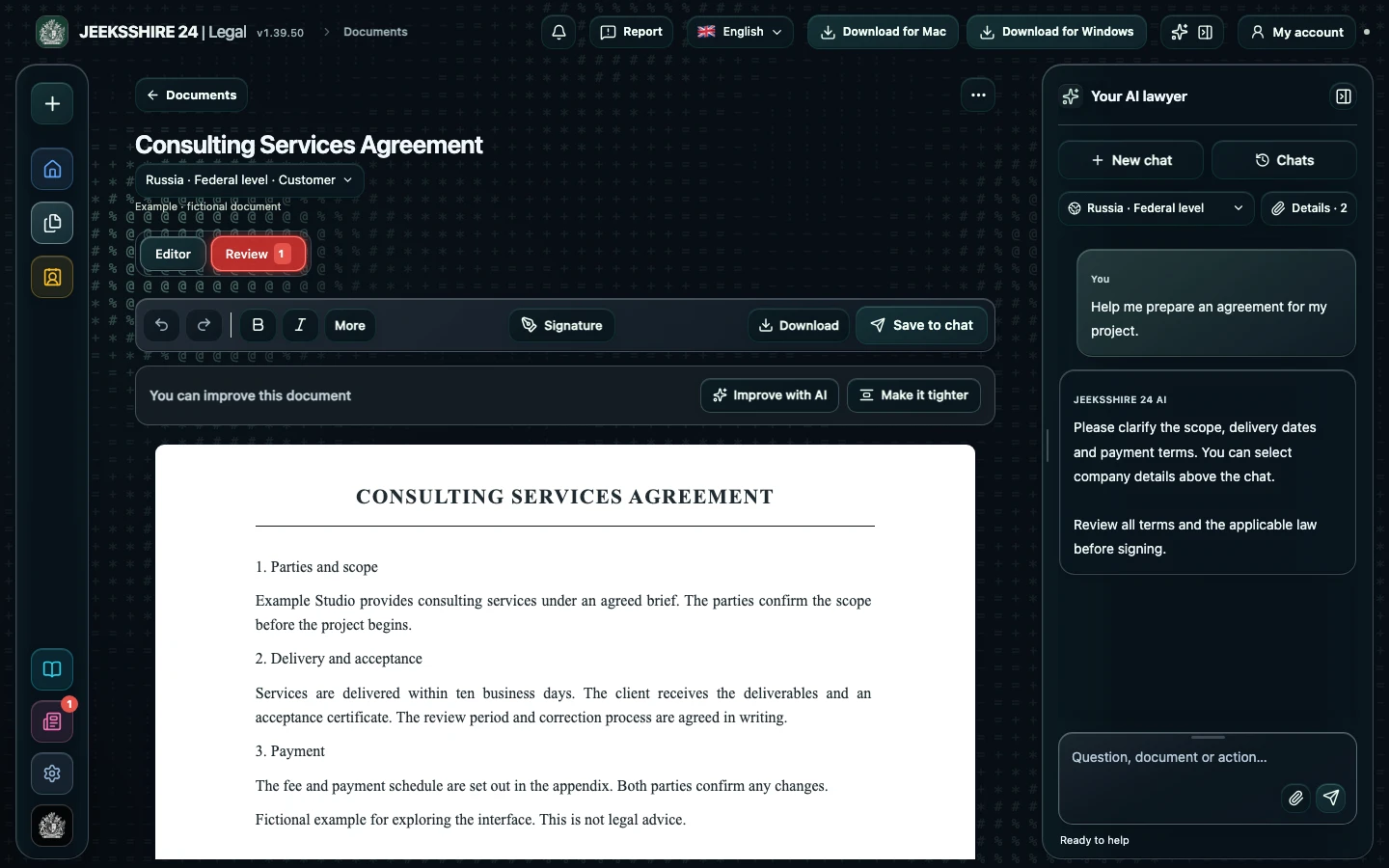
What the AI does when drafting a lease
The assistant asks about the status and roles of the parties, what is being let and in what condition, the lease term, the amount and payment schedule, currency and taxes, the place of performance and the language of the agreement. It asks up to six related questions per turn. In the settings choose the country, region and your side — «Tenant» or «Landlord»: the rules found and the balance of terms depend on it. Saved party profiles are inserted verbatim. Legal then searches official legal portals of the selected country for lease requirements and builds the draft: city and date, parties, numbered sections, party details and signatures.
Essential terms of a lease
First, the property: address, floor area, cadastral or inventory number, furniture and appliances included and their condition at handover. Without a precise description the lease may be challenged. Second, the rent: amount, payment date, who pays utilities, and the security deposit. Third, the term: in many countries it determines whether the lease must be registered and how it can be terminated. Form and registration requirements differ, so Legal lists them in the legal notes and limitations rather than promising the lease is valid.
Handover certificate and inventory
It is convenient to record the handover of premises or items in a separate certificate: date, meter readings, keys, the list of items and their condition. You can create it in Legal as a separate document — select the original lease in the «Basis document» field. The finished lease opens in the editor, where you can sign it and save it as PDF, DOCX, ODT, RTF, HTML, MD or TXT.
Limitations
Drafting contracts with legal research is available on the Plus ($5 per month) and Pro ($10 per month) plans. The draft is a working draft for review, not a legal opinion and not a guarantee that the lease is valid. Form, registration and tax requirements for leases depend on the country, term and type of property; Legal flags what it finds, but the current version of each rule must be checked separately. Before signing, verify the landlord's rights to the property and show the lease to a lawyer if the deal is significant.
Review your own lease in Legal
If you received a lease from the other side, upload it to Legal and choose your side — «Tenant» or «Landlord». The review shows unilateral rent changes, automatic renewal, uncapped penalties, a non-refundable deposit, deemed acceptance and a missing termination procedure, and suggests draft amendments for each finding.
Review a lease ↗Questions about lease agreements
Can I draft an apartment lease between two individuals?
Yes. State that both parties are individuals and choose your role. The assistant takes the parties' status into account when searching for rules and leaves missing details as [FILL IN: …] fields.
Does the sample work for an office or equipment lease?
The structure is similar, but the terms differ: for premises the permitted use and repairs matter, for equipment — completeness, maintenance and risk of damage. Describe the property in the chat and the draft is built for it rather than from one template.
Does a lease need to be registered?
It depends on the country, type of property and term. Legal searches official portals for form and registration requirements and lists them in the legal notes; if no confirmation is found, this is stated in the limitations. Check the requirement before signing.
Can I add a deposit, indexation and a ban on subletting?
Yes. Name the terms you need in the chat. If the AI proposes something itself, such as a deposit amount or notice period, it goes into the list of proposed terms that you need to agree with the other side.
How do I create a handover certificate for the lease?
After the lease, create a separate «Certificate» document and select the lease in the «Basis document» field. The assistant asks for the handover date, the items and their condition.
Which format should I save the lease in?
PDF keeps the pages, formatting and signature; DOCX and ODT stay editable; RTF, HTML, Markdown and TXT are also available.
Can I sign the draft without checking it?
No. Check the property, amounts, dates, party details and the form of the agreement. Legal does not promise that the document is legally binding; if in doubt, consult a lawyer.