Select the basis document
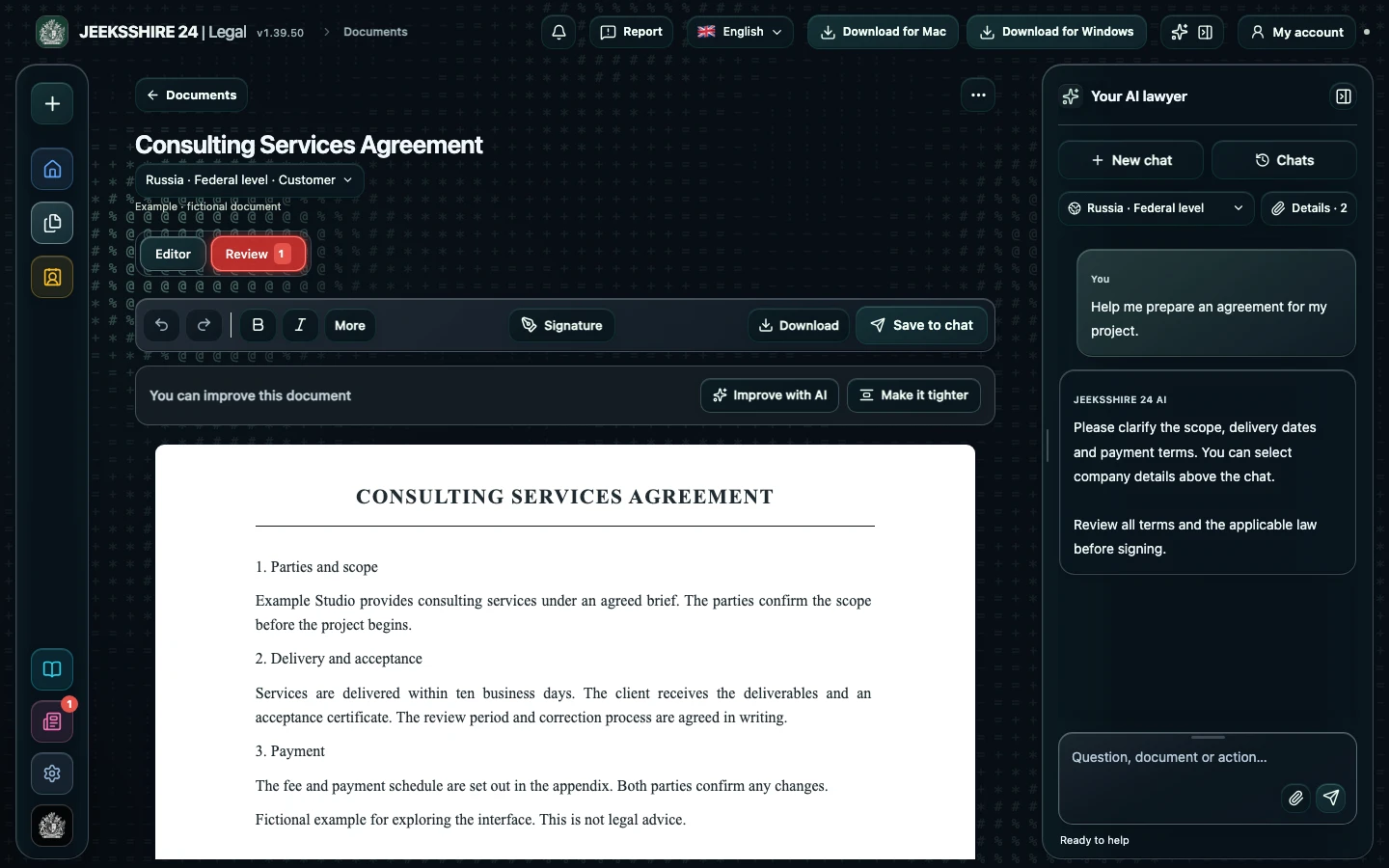
The document creation chat has a “Basis document” field: for an addendum, select the original contract uploaded to Legal. The AI reads it as data, not as instructions, and refers to the number, date and clauses of the main contract. If the contract is not in Legal, give its number, date and parties in the conversation — anything unknown stays as [FILL IN: …] fields. The assistant will ask what exactly changes, from which date the changes apply, whether they cover relations that already exist and what language the document should be in. It asks up to six questions per turn and does not repeat ones already answered.
What the addendum must contain
The core of any addendum is an exact reference to the main contract, the same parties and the changes themselves. A good addendum does not paraphrase them as “the price is increased” but restates the clause of the main contract in its new wording, or says explicitly that a clause is added or deleted. That is how the AI drafts: an opening referring to the main contract, numbered changes, the effective date, a statement that all other terms remain unchanged, the number of counterparts and signatures. When you revise the draft in the conversation, Legal keeps the terms already agreed and changes only what you asked for.
Form and related documents
As a rule, an addendum is made in the same form as the main contract. If the contract required notarisation or state registration, the AI looks up on the official portals of the selected country whether the same requirement applies to amendments and reflects the result in the legal notes and limitations. Think about the consequences too: a change in price or term can affect invoices, acts and payments already issued — in Legal you can draft a new invoice or act from the same data. The finished draft opens in the editor; you can sign it and save it as PDF, DOCX and other formats.
Check your own addendum in Legal
Received an addendum from the other party? Upload it and run a review, choosing your side. The AI will find up to 30 material issues — unilateral changes to terms, automatic renewal, new penalties, transfer of rights or a changed dispute procedure — quote the clauses, compare them with provisions from official sources and suggest draft edits. To see exactly what changes, open the main contract and the addendum in the editor and ask a question in the chat.
Review an addendum ↗Questions about contract addenda
Do I have to upload the main contract?
No, but it is more accurate: the AI will see the number, date and wording of the clauses. Without it, give the contract details and the clauses to change in the conversation — anything unknown will be marked with [FILL IN: …] fields.
Can I change several terms at once?
Yes. List all the changes — for example, the price, the term and the payment details. The assistant will set them out as separate numbered items, each tied to a clause of the main contract.
Can I extend a contract with an addendum?
Yes, if the contract is still in force: describe the new term and the AI will restate the term clause. If the term has already expired, say so — a new contract may be needed, and that is worth checking.
How is an addendum different from a restated contract?
An addendum changes individual clauses while the rest of the text stays the same. With many changes it is easier to restate the whole contract in a new version — ask for that in the conversation.
Can I draft an addendum to an employment contract?
Yes. Select the employment contract as the basis document and describe the changes: position, pay, working hours or place of work. Legal will look up the employment law requirements for changing terms in the selected country.
Can I end a contract by mutual agreement?
Yes, describe the task: the assistant will take into account settlements, return of property and what happens to unperformed obligations. The document type is determined from your description and clarified in the conversation if needed.
Will the AI keep the terms we have already agreed?
Yes. When you revise in the conversation, Legal passes the previous draft along and keeps the agreed data, fixing only what you requested. Before signing, still compare the final text with the main contract.
How much does drafting cost?
Drafting with legal research is available on Plus ($5 per month) and Pro ($10 per month). Free includes the chat, editor, export and the local check of typical clauses.