Document comparison
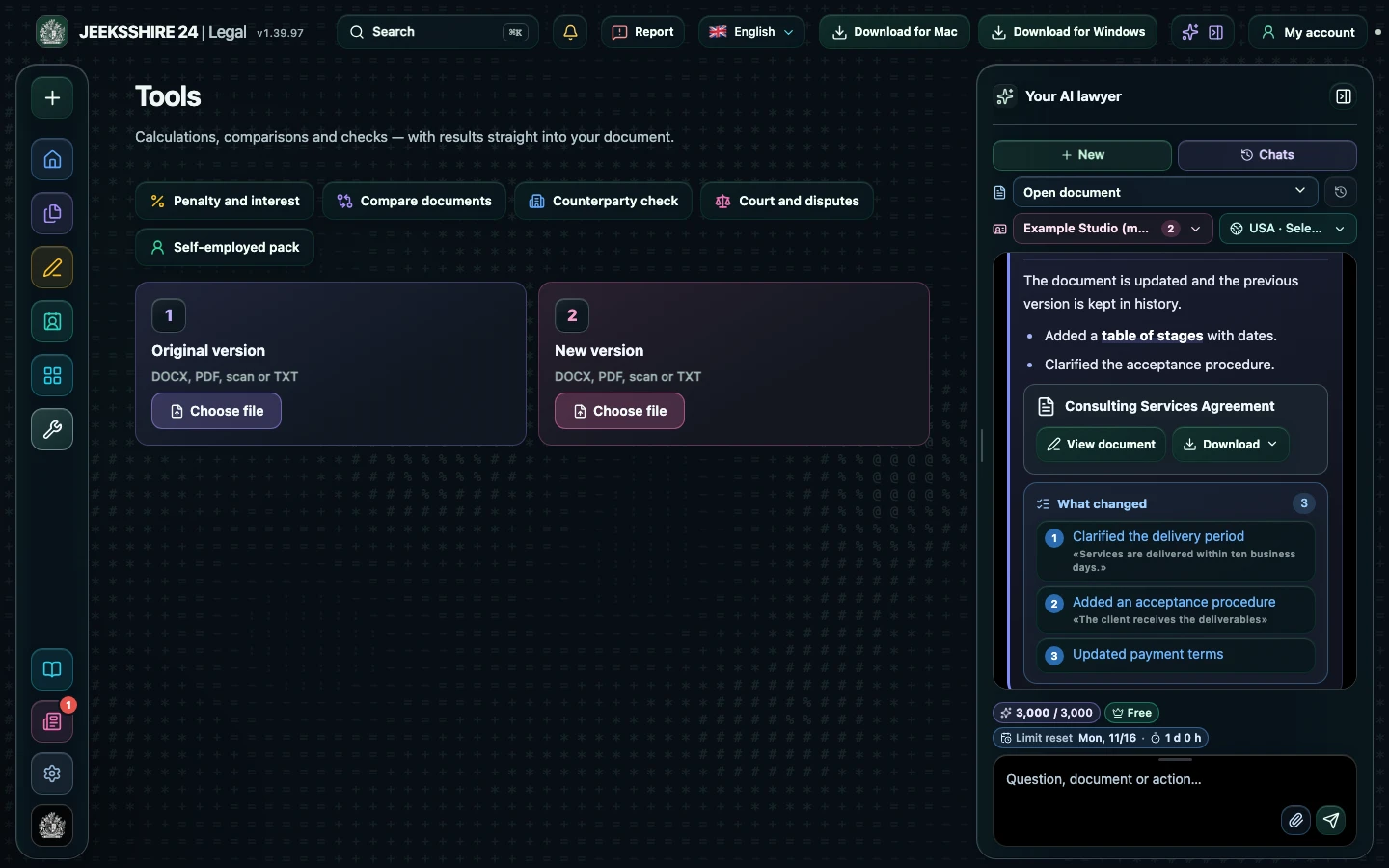
Comparison shows the difference between two versions: what was added, removed and changed. Upload DOCX, PDF, a scan or text, and the AI lawyer briefly explains which edits make your position worse.
Open in the web app ↗You can look around without an account; calculating, saving and inserting into a document need an account.
How to use it
- Open Tools → Compare documents.
- Upload the first and second version: DOCX, PDF, scan or TXT.
- Review additions, deletions and changes.
- Ask for an AI summary of risky edits.
Who it helps
- People negotiating a contract
- Lawyers reviewing the other side's edits
- Managers who need to see changes fast
Limits
The comparison is text-based: formatting is ignored, and scanned text is recognised by OCR and may contain errors. The AI summary is not legal advice.
Other features
Choose your task
Create a document
Review
PDF and scans