Company check
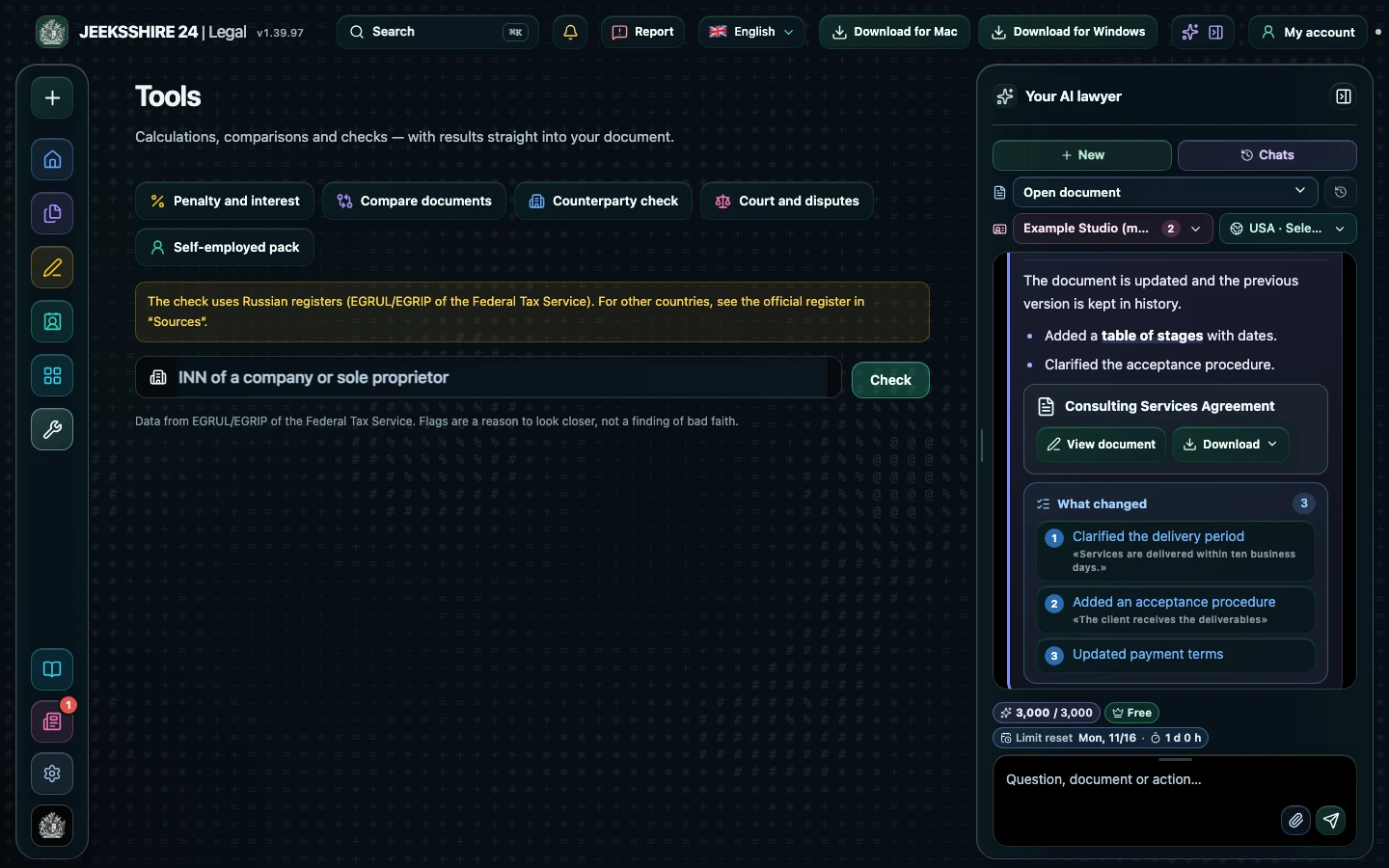
Enter an INN and Legal finds the company or sole trader in the Federal Tax Service registers (EGRUL/EGRIP): full name, OGRN, KPP, address, director, registration date and status. Flags point to what to check further, and the details go into a document in one click.
Open in the web app ↗You can look around without an account; calculating, saving and inserting into a document need an account.
How to use it
- Open Tools → Company check.
- Enter the INN: 10 digits for a company or 12 for a sole trader.
- Review the status, company age and flags.
- Press Insert details into the document.
Who it helps
- Business owners before a contract with a new partner
- Accountants checking party details
- Lawyers doing a first check
Limits
The check uses Russian registers only (EGRUL/EGRIP). Flags are a reason to look closer, not a finding of bad faith.
Other features
Choose your task
Create a document
Review
PDF and scans